Terraform & AWS CLI 설치
Terraform & AWS CLI 설치
Step-01: 소개
- Terraform CLI 설치
- AWS CLI 설치
- VSCode 설치
- HashiCorp Terraform plugin for VSCode 설치
Step-02: MACOS: Terraform 설치
- 🔗 Terraform MAC 설치 (Homebrew)
brew tap hashicorp/tap
brew install hashicorp/tap/terraform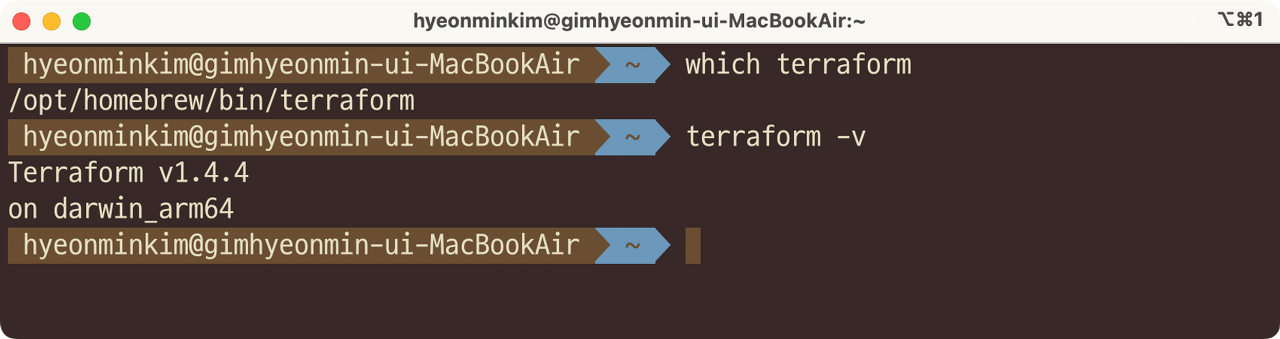
Step-03: MACOS: IDE for Terraform - VS Code Editor
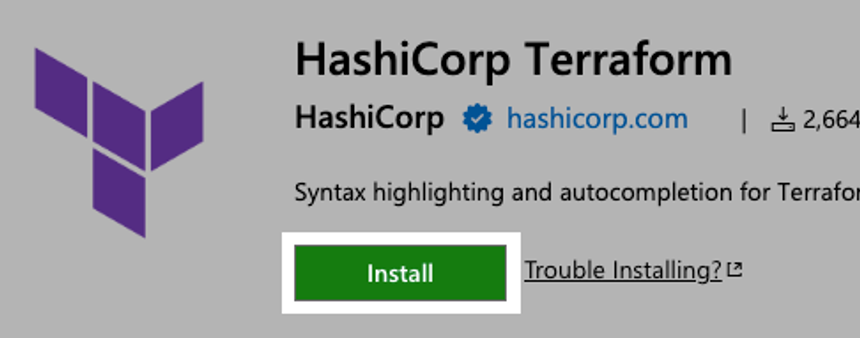
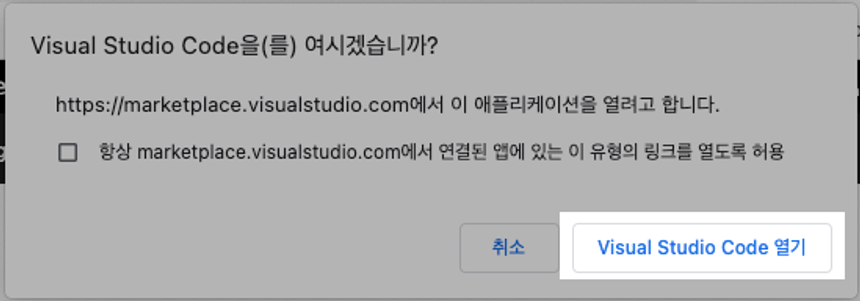
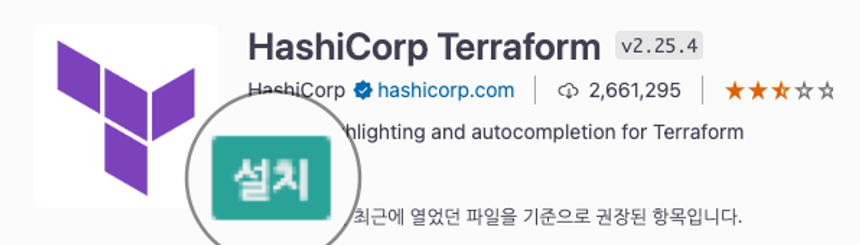
VSCode 확장프로그램인 HashiCorp Terraform을 설치합니다.

Step-04: MACOS: AWS CLI 설치
curl "<https://awscli.amazonaws.com/AWSCLIV2.pkg>" -o "AWSCLIV2.pkg"
sudo installer -pkg ./AWSCLIV2.pkg -target /

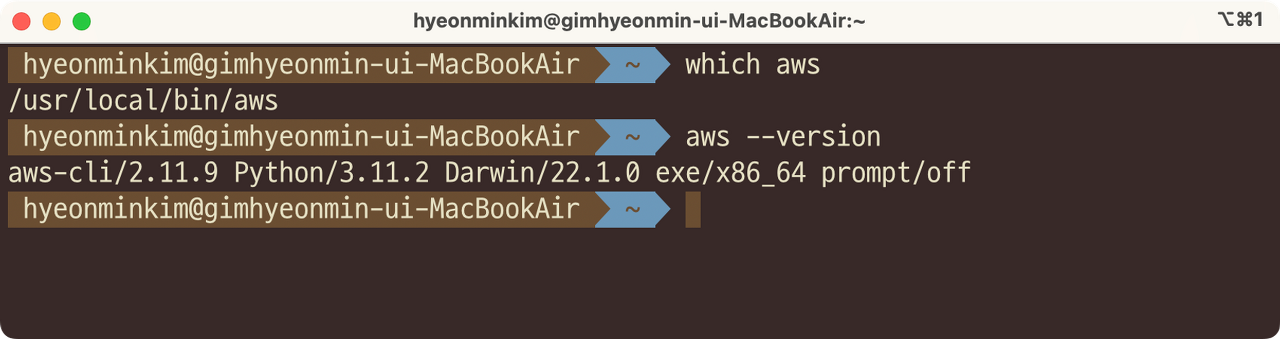
which aws
/usr/local/bin/aws
aws --version
aws-cli/2.10.0 Python/3.11.2 Darwin/18.7.0 botocore/2.4.5
Step-05: MACOS: AWS Credentials 설정
- 전제조건
- AWS Management Console에 접근하여 보안 자격을 생성합니다.
- Services → IAM → Users → "Admin-User" → Security Credentials → Create Access Key
- 로컬에서 SSH 터미널을 열어 AWS 자격증명을 구성합니다
aws configure
AWS Access Key ID [None]: {Your Access Key ID}
AWS Secret Access Key [None]: {Your Secret Access Key}
Default region name [None]: {Your Default region : ap-northeast-2(KOR)}
Default output format [None]:- S3 버킷에 접근 가능한지 확인해봅니다
aws s3 ls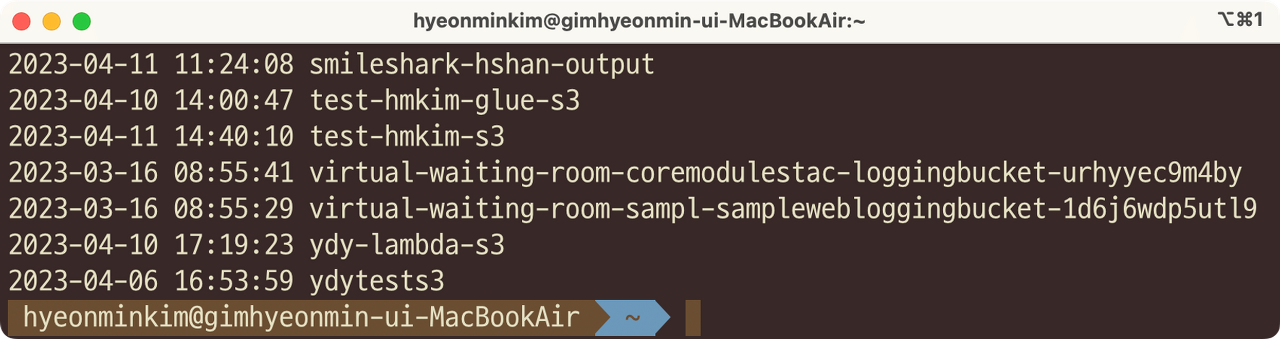
- AWS 자격 증명 프로필을 확인합니다
cat $HOME/.aws/credentials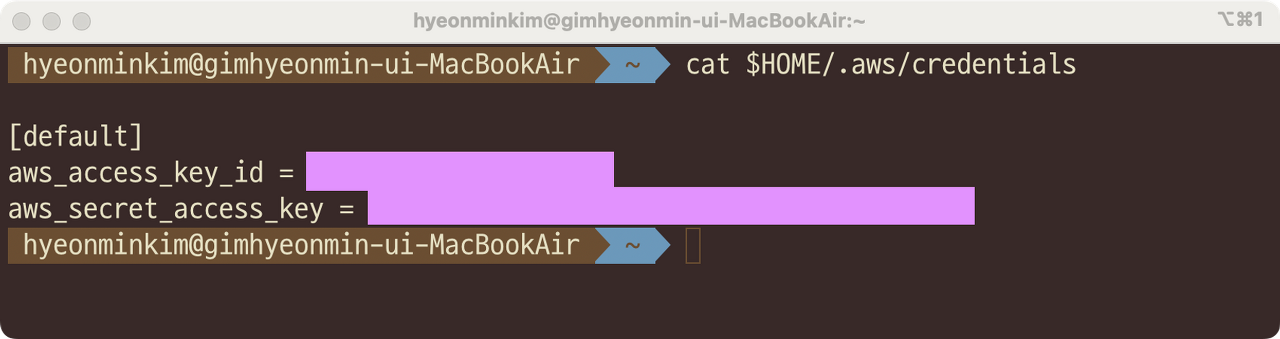
Step-06: Other OS: Terraform 및 AWS CLI 설치
- Windows
- Linux
References
Install | Terraform | HashiCorp Developer
Install | Terraform | HashiCorp Developer
Explore Terraform product documentation, tutorials, and examples.
developer.hashicorp.com
'Infra > Terraform' 카테고리의 다른 글
| Terraform on AWS 3. Terraform Command 기본 사항, 언어 문법 (0) | 2023.12.04 |
|---|---|
| Terraform on AWS 1. 코드기반인프라의 개념과 중요성 (Infrastructure as Code : IAC) (0) | 2023.11.23 |

